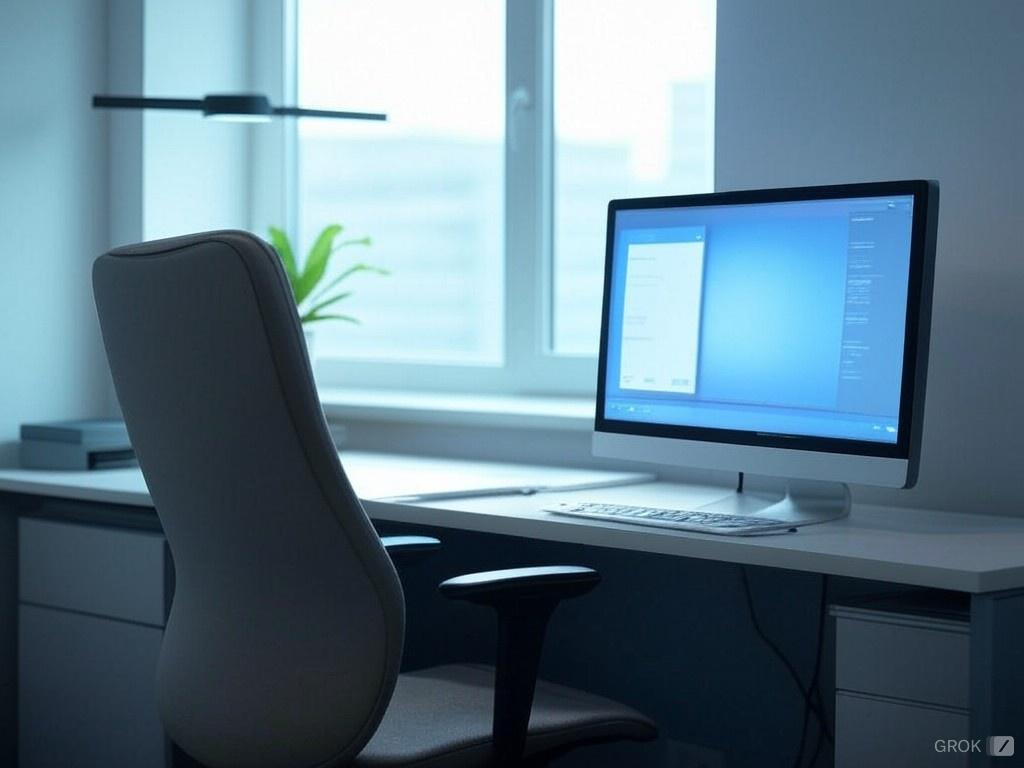
In today's digital age, where many of us spend hours glued to screens, maintaining eye health in the workplace has become more crucial than ever. The ergonomics of our office setup play a pivotal role in not only our productivity but also in preventing eye strain and other vision-related issues. Here’s a comprehensive look at how to promote eye health through ergonomic design and practices in an office setting.
Understanding Eye Strain
Eye strain, or Computer Vision Syndrome, includes symptoms like dry eyes, blurred vision, headaches, and neck or shoulder pain. These symptoms are often exacerbated by:
-
Prolonged screen time: Focusing on screens reduces blink rates, leading to dry eyes.
-
Poor lighting: Glare or insufficient light can make it hard for the eyes to adjust.
-
Screen positioning: Incorrect distance or height of the screen forces the eyes to work harder.
Ergonomic Solutions for Eye Health
1. Screen Positioning:
-
Distance: The screen should be about 20-28 inches away from your eyes (approximately an arm's length).
-
Height: The top of the monitor should be at or just below eye level to minimize looking down, which can lead to neck strain. If you wear bifocals, you might need the screen slightly lower.
2. Optimal Lighting:
-
Ambient Lighting: Use ambient lighting that's not too harsh. Avoid working under bright overhead lights or in areas with direct sunlight hitting your screen.
-
Reduce Glare: Use anti-glare screens or adjust the screen tilt to minimize reflections. Consider matte finishes on screens if possible.
3. Monitor Settings:
-
Brightness and Contrast: Adjust these to match the room's lighting. The screen should not be much brighter or darker than your surroundings.
-
Color Temperature: Opt for settings that mimic natural daylight to reduce eye fatigue.
4. Regular Breaks:
-
20-20-20 Rule: Every 20 minutes, take a 20-second break to look at something 20 feet away. This helps reset your focus and reduce strain.
-
Eye Breaks: Look away from your screen periodically to blink and moisten your eyes.
5. Ergonomic Accessories:
-
Ergonomic Chairs: Adjustable chairs that support your posture can indirectly benefit eye health by reducing neck strain.
-
Document Holders: If your job involves reading from paper, place documents at the same level as your screen to avoid constant up-and-down eye movement.
6. Eye Health Practices:
-
Blinking: Make a conscious effort to blink more often to keep eyes lubricated.
-
Hydration: Drink plenty of water to maintain overall hydration, which affects tear production.
7. Screen Hygiene:
-
Regularly clean your screen to remove dust and smudges that can cause visual fatigue.
Workplace Policies and Education
-
Education: Companies should educate employees about eye health, the signs of strain, and preventive measures.
-
Regular Eye Check-ups: Encourage regular eye examinations; some conditions can only be diagnosed by professionals.
-
Flexible Workstations: Promote environments where workers can adjust their setups for comfort.
Conclusion
Investing in eye health ergonomics is not just about comfort; it's about sustaining productivity and preventing long-term health issues. By understanding and implementing these ergonomic principles, both employers and employees can ensure that the workplace is conducive to not just work efficiency but also health and well-being. Remember, your eyes are your window to the world, and they deserve the best care in your daily work environment.